Getting Started
Quick Start Guide
Get up and running with CantoBase in under 5 minutes. By the end of this guide, you'll have your account set up, your first student added, and a practice assignment posted.
Create your account
Head to cantobase.com and click Start Free Trial. You can sign up with your email or use Google sign-in for one-click access.
cantobase.com
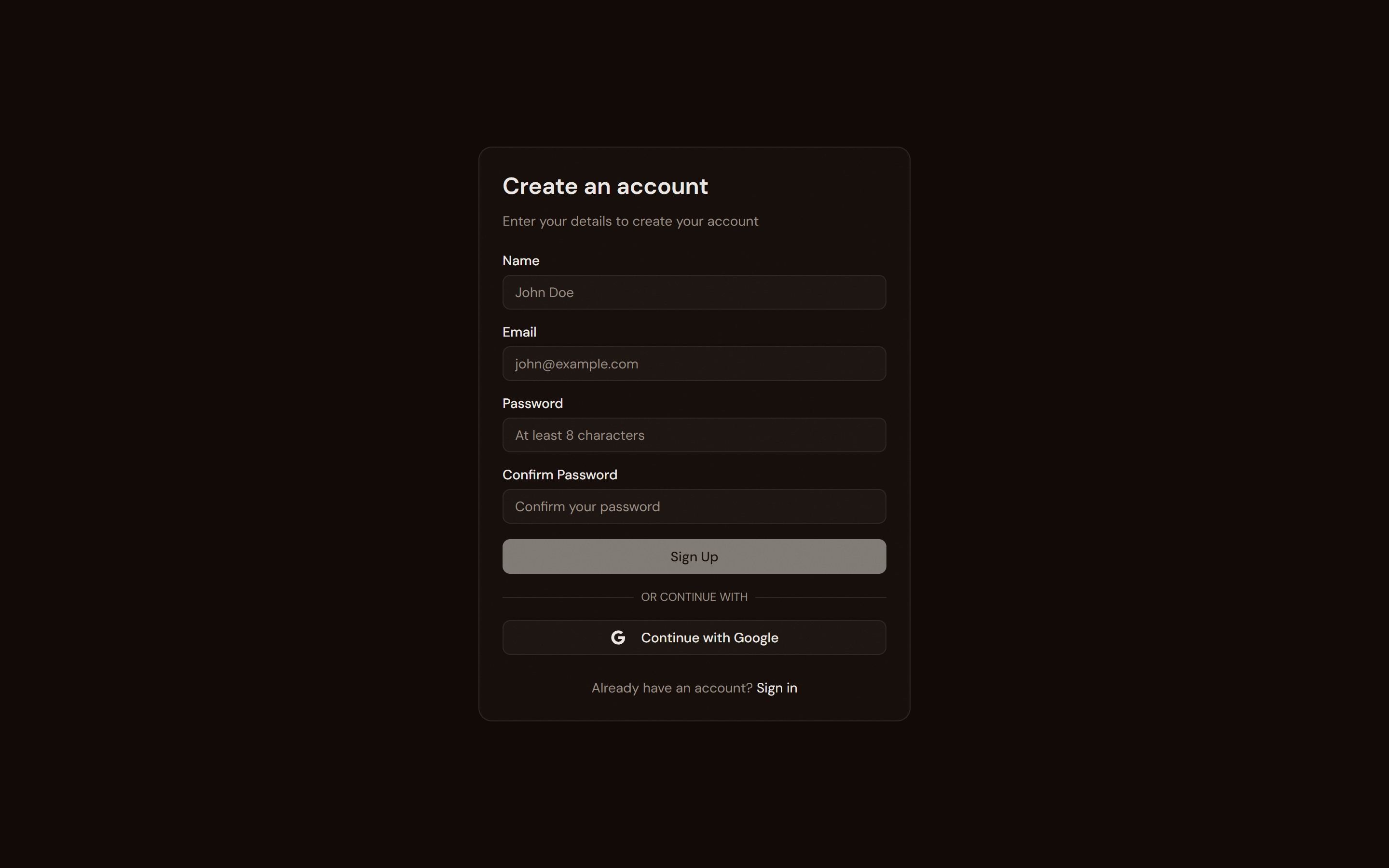
Enter your details
Fill in your name, email, and choose a password. Or click Continue with Google to skip the form entirely.
Verify your email
Check your inbox for a verification link. Click it to activate your account. If you used
Google sign-in, this step is automatic.
Land on your dashboard
After verification, you'll be taken straight to your dashboard. Your studio workspace is
created automatically.
Tip
You get a 30-day free trial with full access to every feature. No credit card required.
Add your first student
Navigate to the Students page using the sidebar. Click the + Add Student button.
cantobase.com
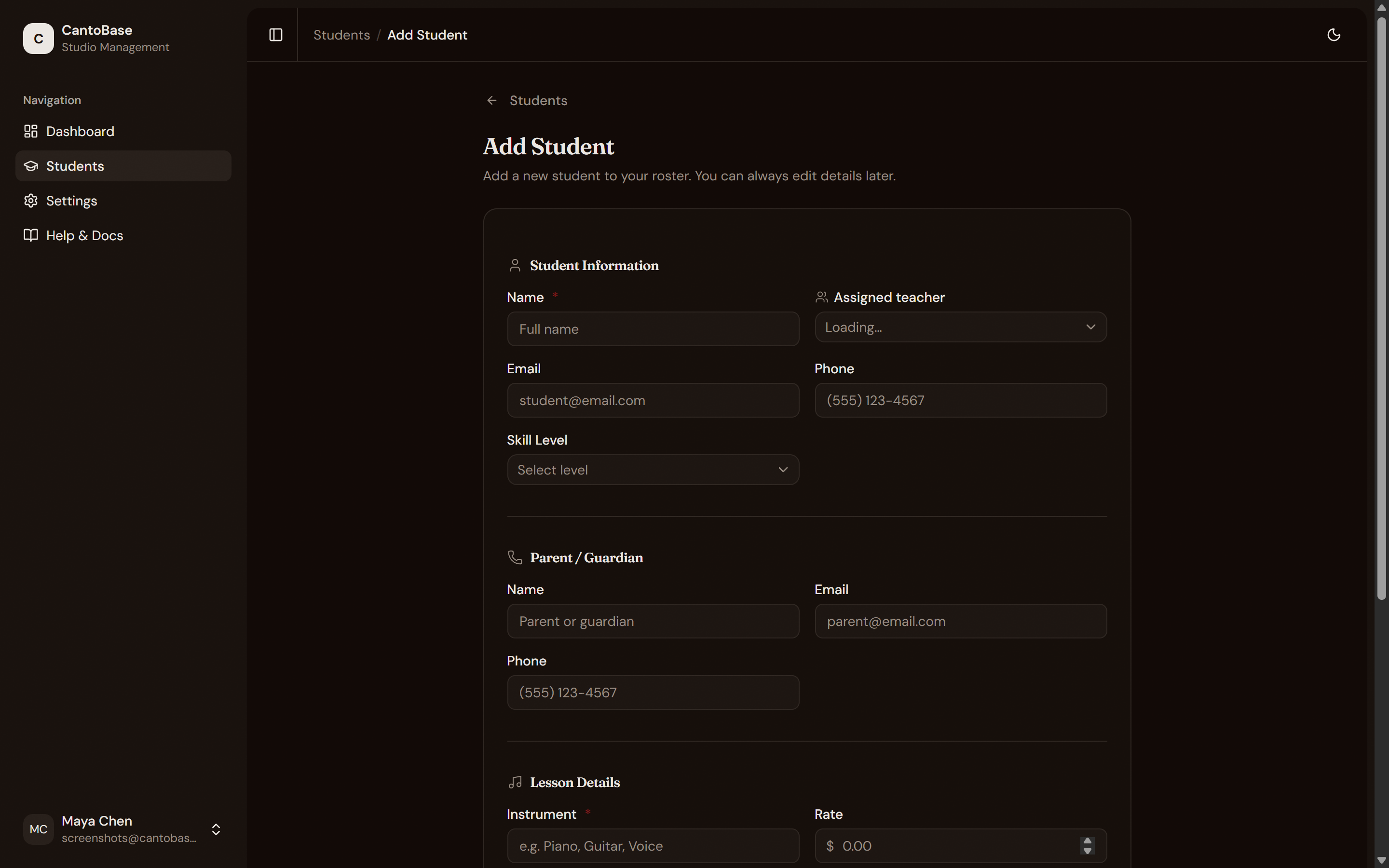
Enter student info
Fill in their name, instrument, and skill level.
Add parent details
Enter the parent or guardian's name, email, and phone number. This is how assignment
notifications will be sent.
Set lesson schedule and rate
Choose the lesson day, time, and monthly rate. These help with payment tracking and dashboard
metrics.
Save
Click Save and your student appears in the list instantly.
Post a practice assignment
Click into your student's detail page. Go to the Assignments tab and click + New Assignment.
cantobase.com
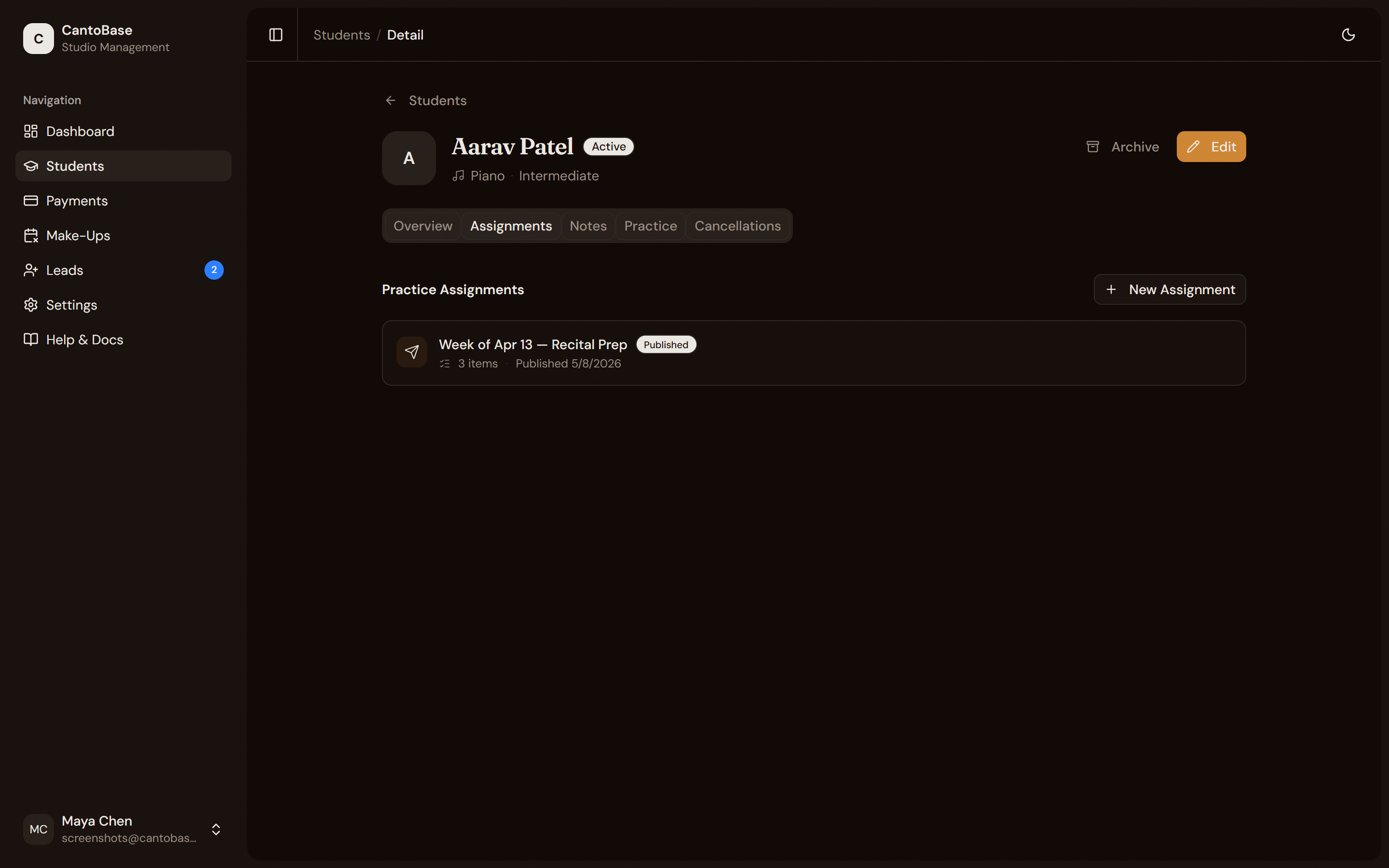
Set the week
The date picker defaults to the current week. Adjust if needed.
Add practice items
Enter a piece name, type (piece, scale, exercise), tempo target, and focus areas. You can add
multiple items and attach PDF sheet music or audio demos.
Save as draft or publish
Click Save Draft to save privately. When ready, click Publish to make it visible in the parent portal. Publishing sends an email notification to the parent.
Share the parent portal
On the student's Overview tab, find the Parent Portal section. Copy the link and share it with the parent.
cantobase.com
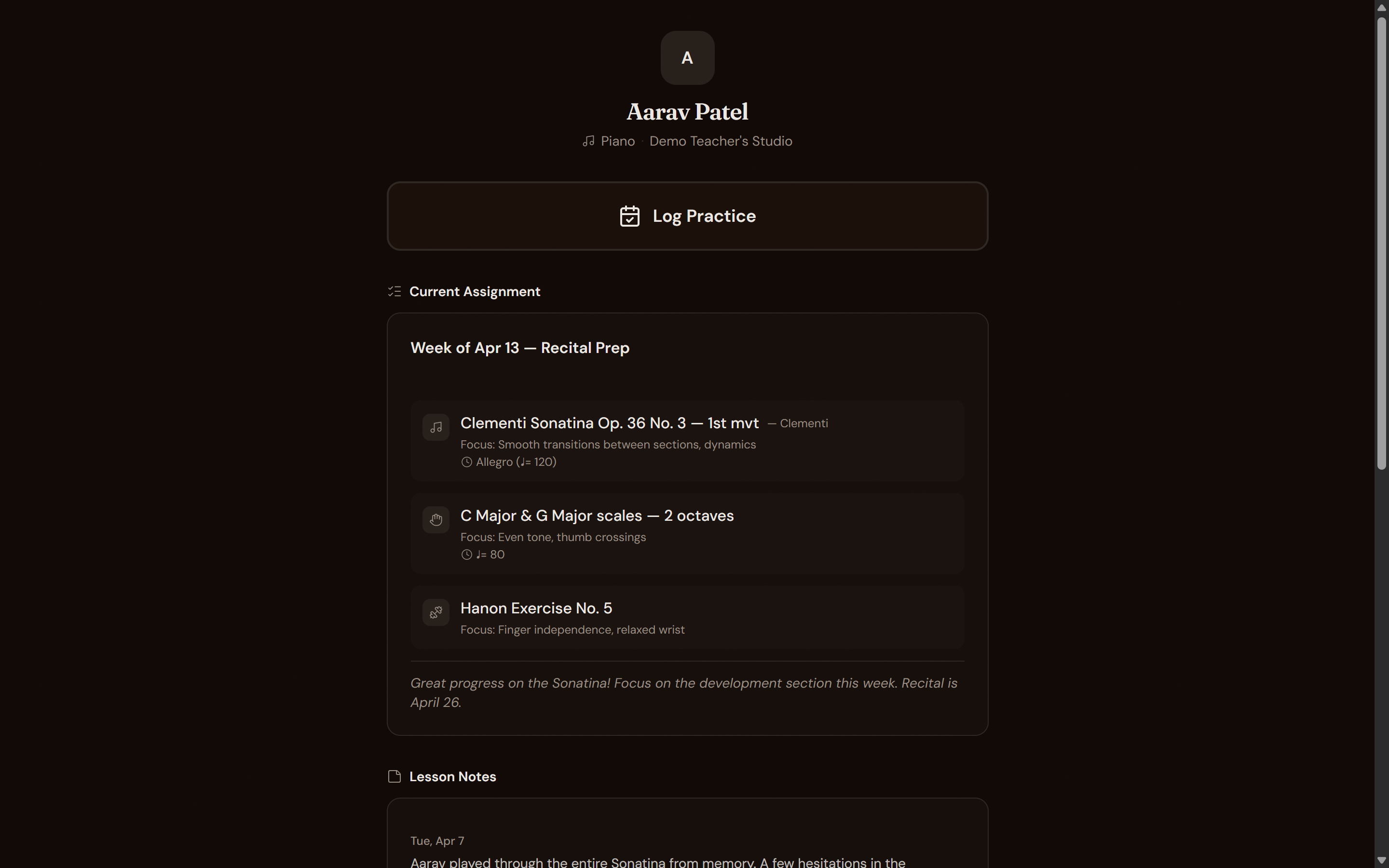
Note
Parents don't need to create an account. They open the link in any browser and immediately see
assignments, lesson notes, and can log practice sessions.
You're all set!
That's the basics. Explore the sidebar to find Payments, Make-Ups & Cancellations, and Leads — or keep reading these docs to learn everything CantoBase can do.